Phase Imbalance Detection
Automatically detects uneven load distribution across three phases—reducing wasted capacity, preventing overheating, and avoiding nuisance trips.
Enterprise Power Monitoring & Analytics
Real-time visibility into every meter, circuit, and device. AI Insights automatically detects anomalies, forecasts capacity limits, and predicts maintenance needs—all running on your appliance.
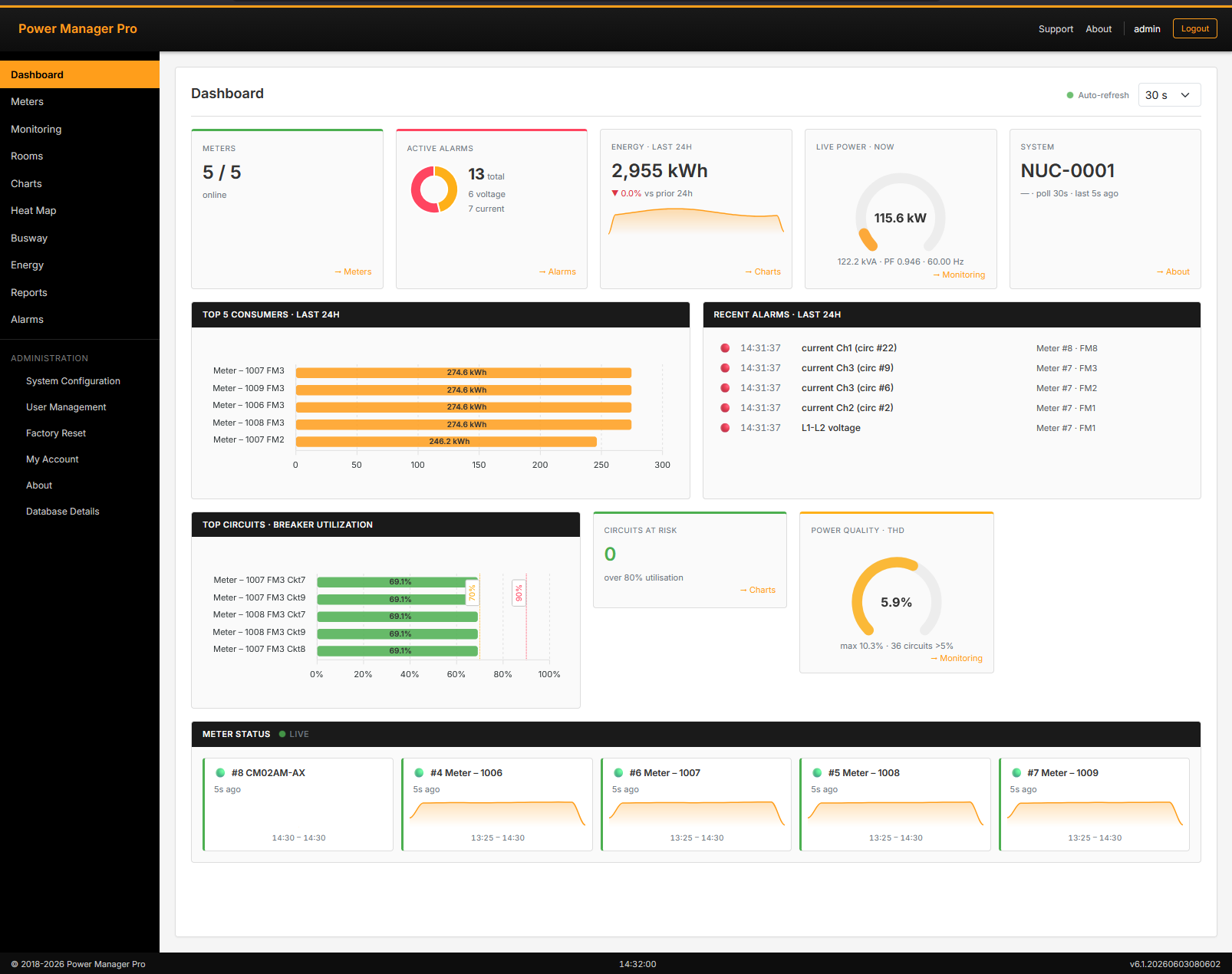
What is Power Manager Pro?
Power Manager Pro provides comprehensive real-time visibility into your data center's electrical infrastructure. Monitor voltage, current, power factor, harmonics, and energy consumption across every meter, busway, and circuit.
Built-in AI Insights automatically learns your facility's normal operational patterns and alerts you to anomalies, capacity risks, and maintenance needs before they impact operations.
Explore AI Insights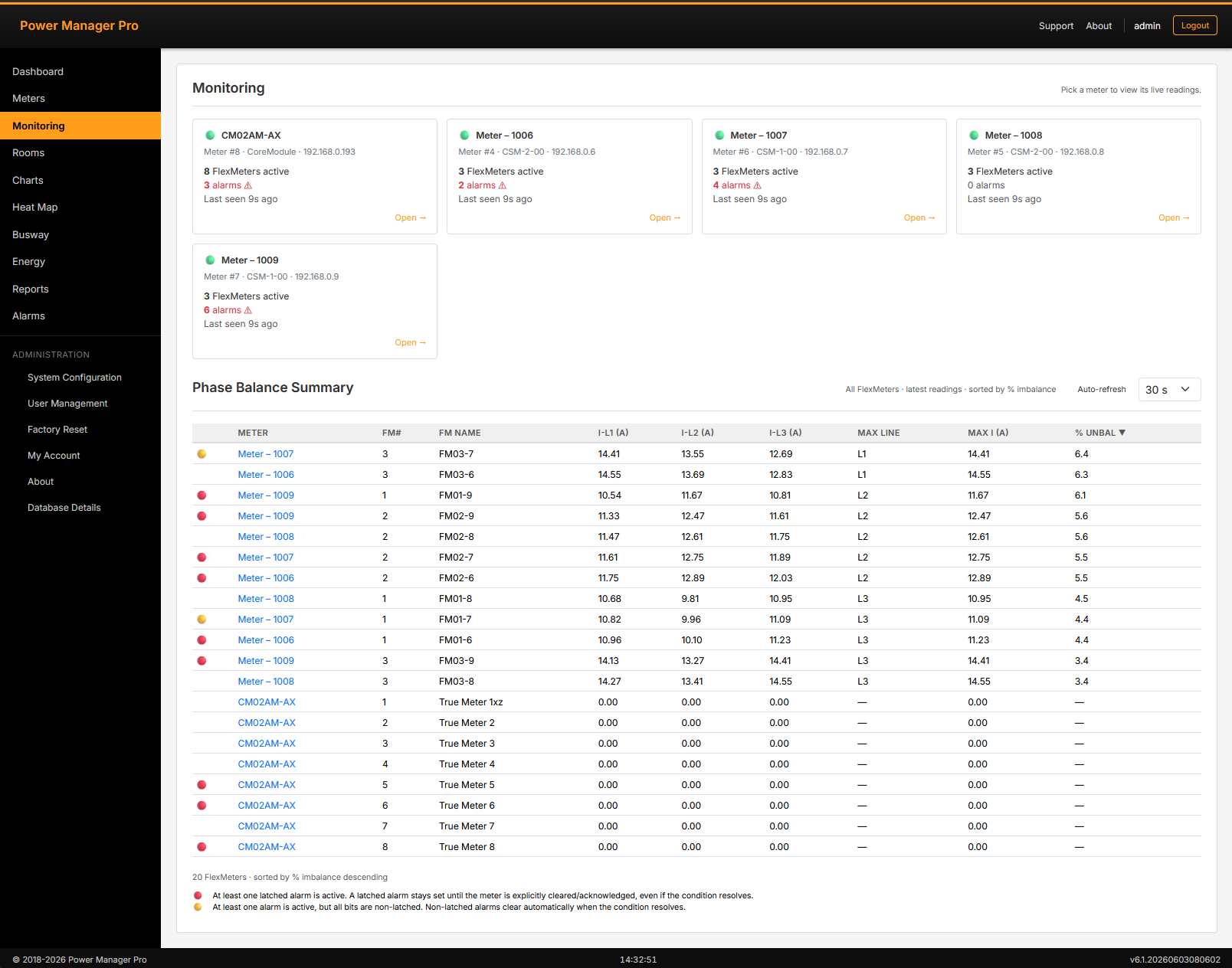
AI Insights
AI Insights runs on your Power Manager Pro appliance or with any configurable LLM appliance or cloud provider. It analyzes your power data continuously, flagging problems early and predicting issues before they occur.
Automatically detects uneven load distribution across three phases—reducing wasted capacity, preventing overheating, and avoiding nuisance trips.
Learns normal daily and weekly patterns for each circuit. Alerts you when behavior is unusual—detecting subtle, multi-factor issues no fixed threshold could catch.
Predicts when circuits and busways will approach capacity limits. Know exactly how many days remain before breaker capacity reaches critical thresholds.
Combines phase balance, temperature, and trend signals to identify equipment trending toward failure. Schedule maintenance before problems occur, not after.
No cloud connection, no internet required for basic performance. Perfect for air-gapped and secure facilities. Your data never leaves your appliance. Or optionally configure a custom compatible LLM or cloud-LLM for higher performance.
Stop responding to problems after they happen. AI Insights flags issues before they impact your operations.
AI Insights analyzes the same power data Power Manager Pro already collects. No new sensors or hardware required.
Core Features
Comprehensive monitoring, real-time analytics, and professional reporting—all in one integrated platform.
Real-time facility overview with KPI cards, status indicators, and automated alerts. Customizable views for your team's needs.
Monitor live power consumption, historical energy usage, and trends. Track voltage, current, power factor, and harmonics across all meters.
Intelligent alerting for voltage, current, and power quality issues. Latched and live alarm states with detailed event history.
Dynamic heat map visualizations showing energy usage patterns by time of day and day of week. Interactive charts for trend analysis.
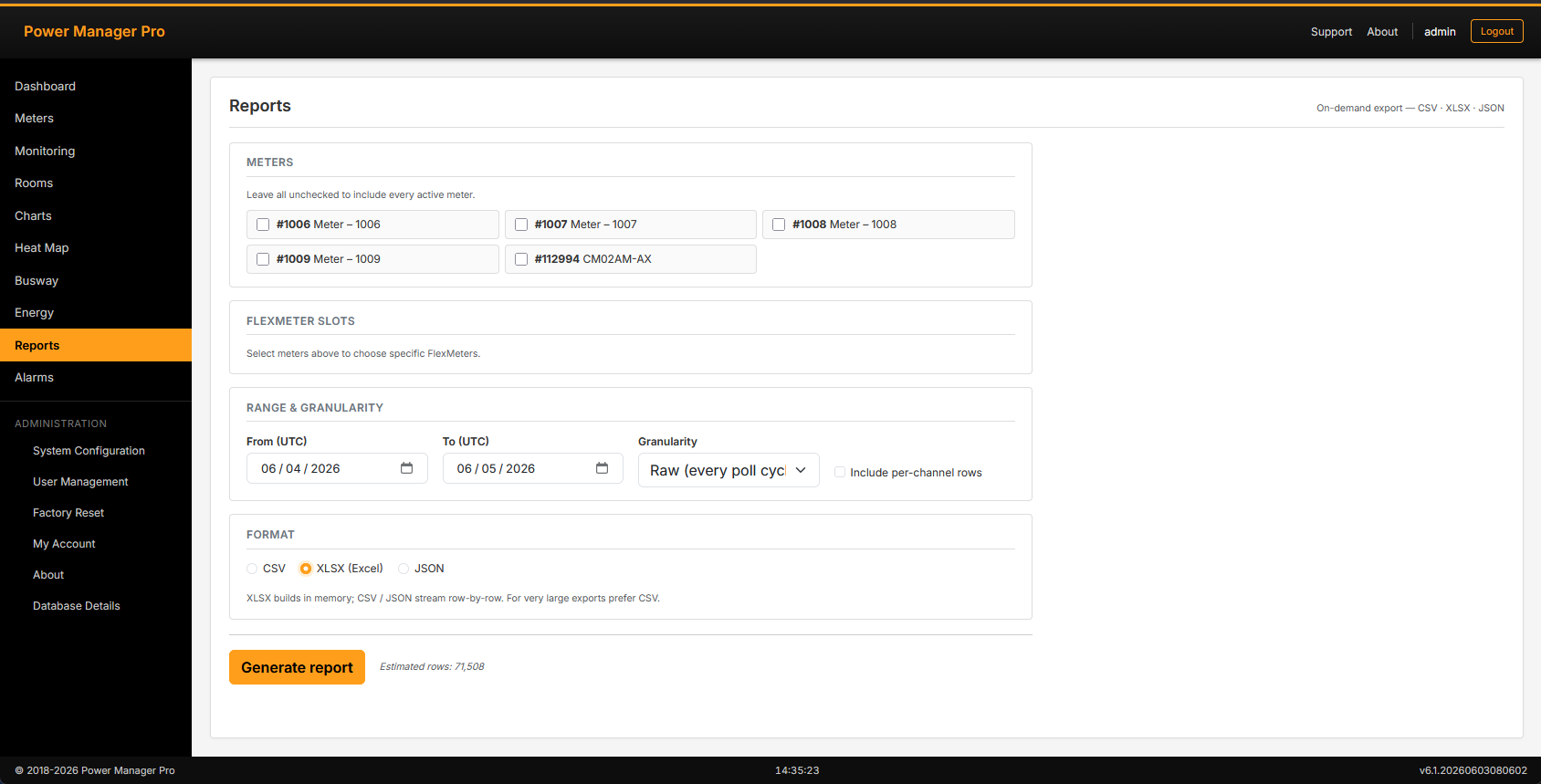
Generate reports for energy billing, capacity planning, and compliance. Export to CSV, XLSX, or JSON with flexible date ranges and granularity.
Capture and store power data at any resolution in a PostgreSQL database. Searchable, exportable, and accessible to other applications.
Auto-discover power meters and devices on your network. Manage device settings, configurations, and monitoring schedules from a single interface.
End-to-end installation support. Integrates with DCIM and BMS systems. Wide driver library for most power meters and protocols.
See Power Manager Pro in Action
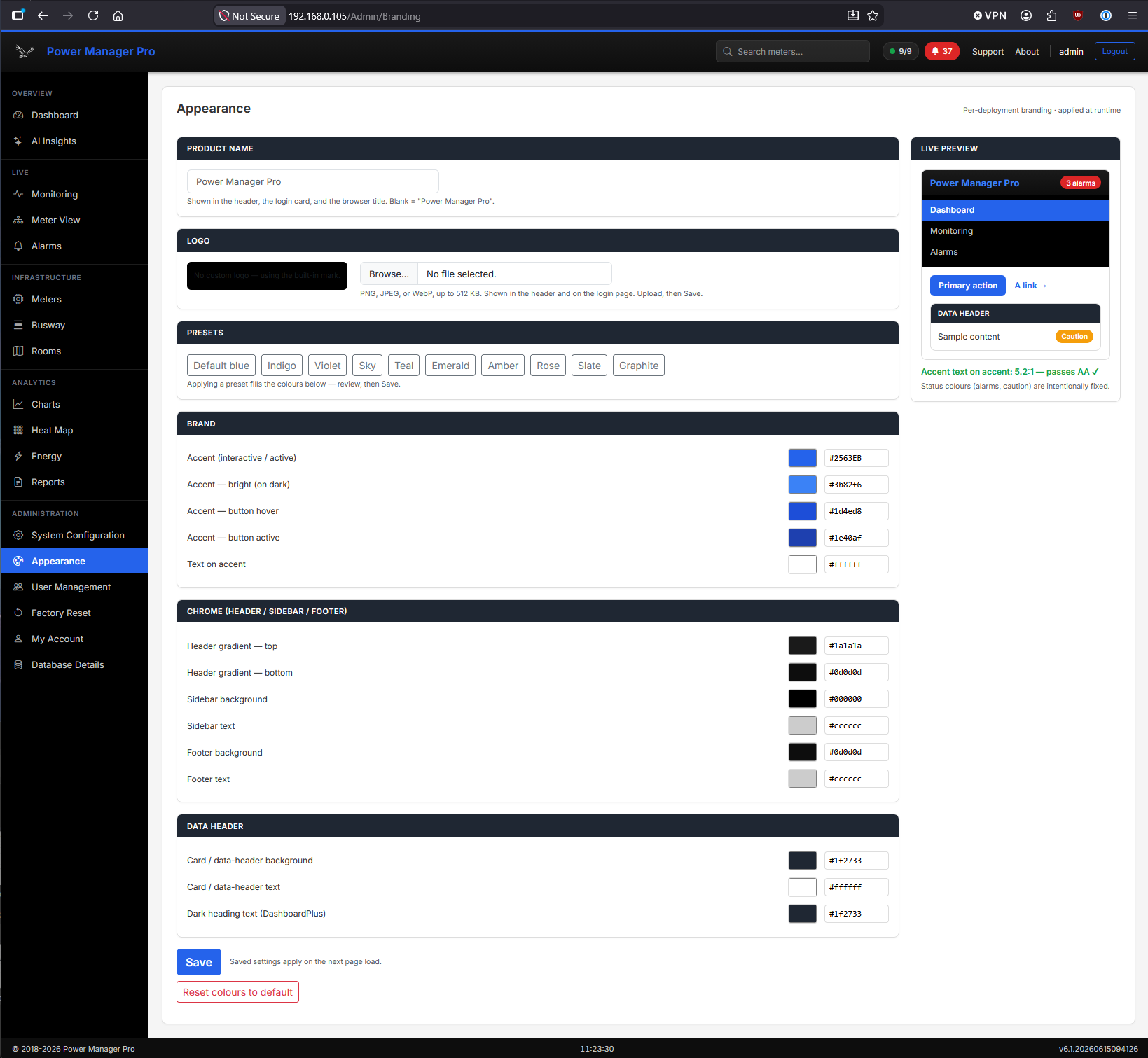
A quick tour of Power Manager Pro's capabilities—from live monitoring and intelligent AI insights to comprehensive reporting and facility management. Click any screenshot to expand.
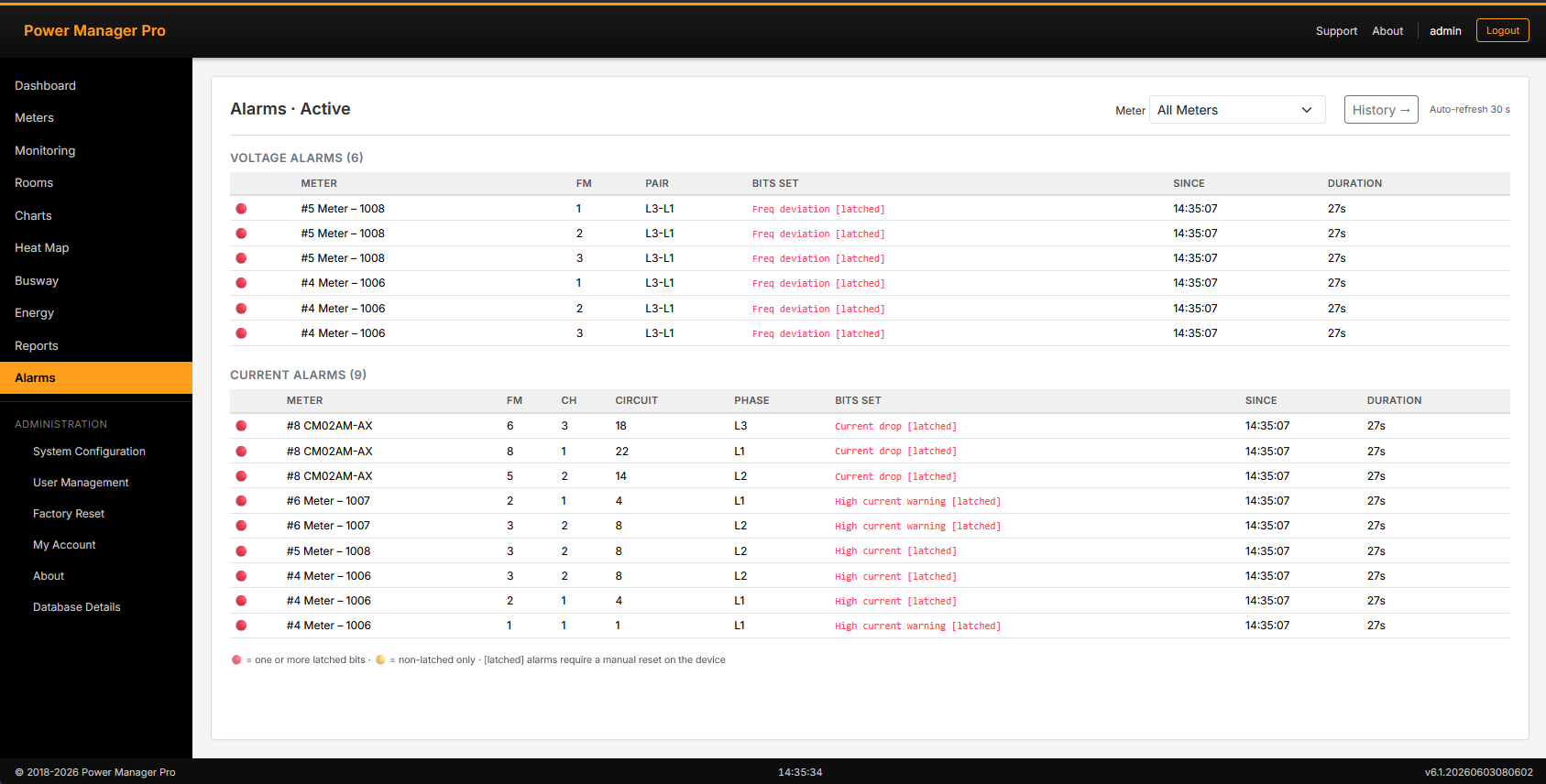
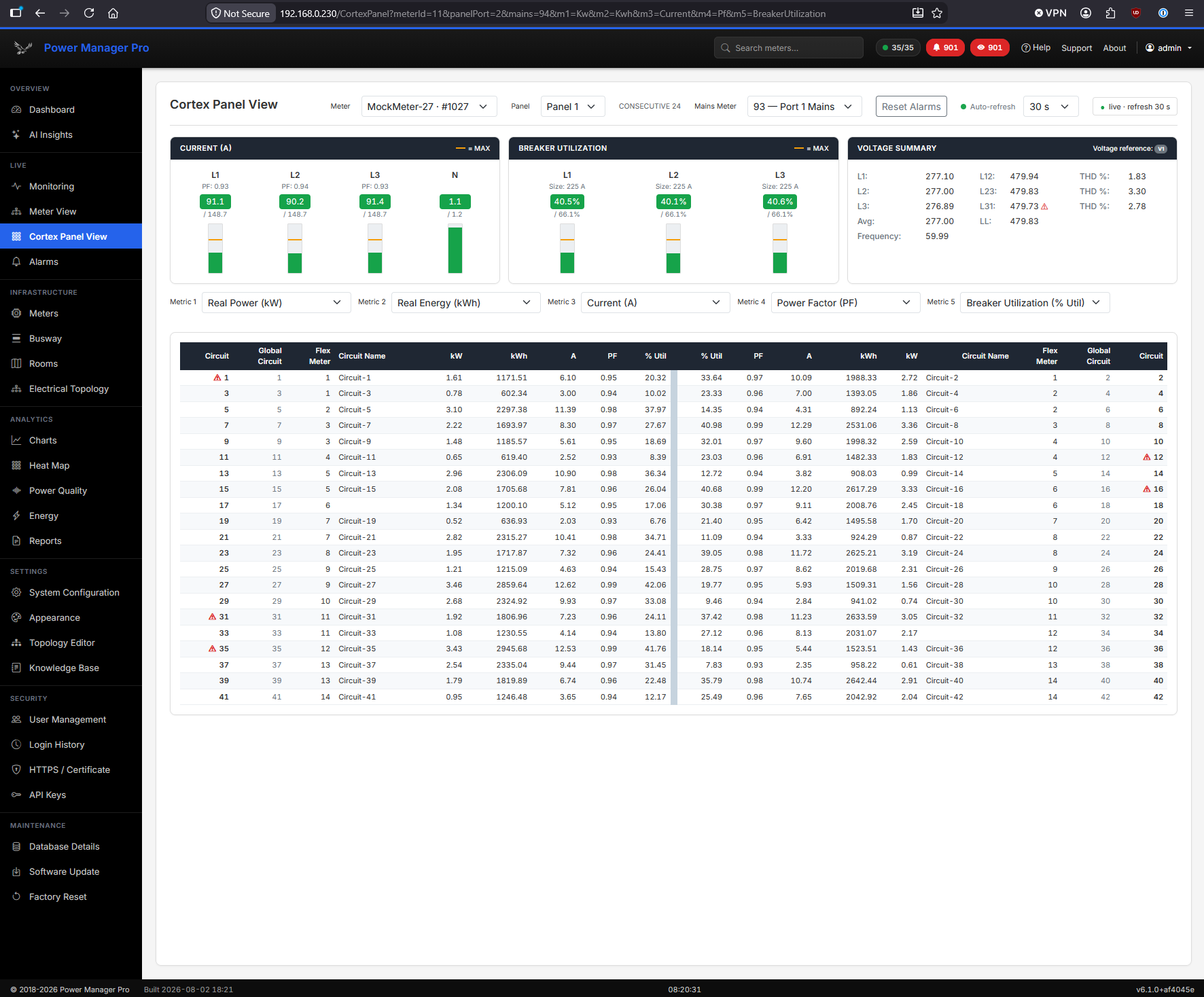
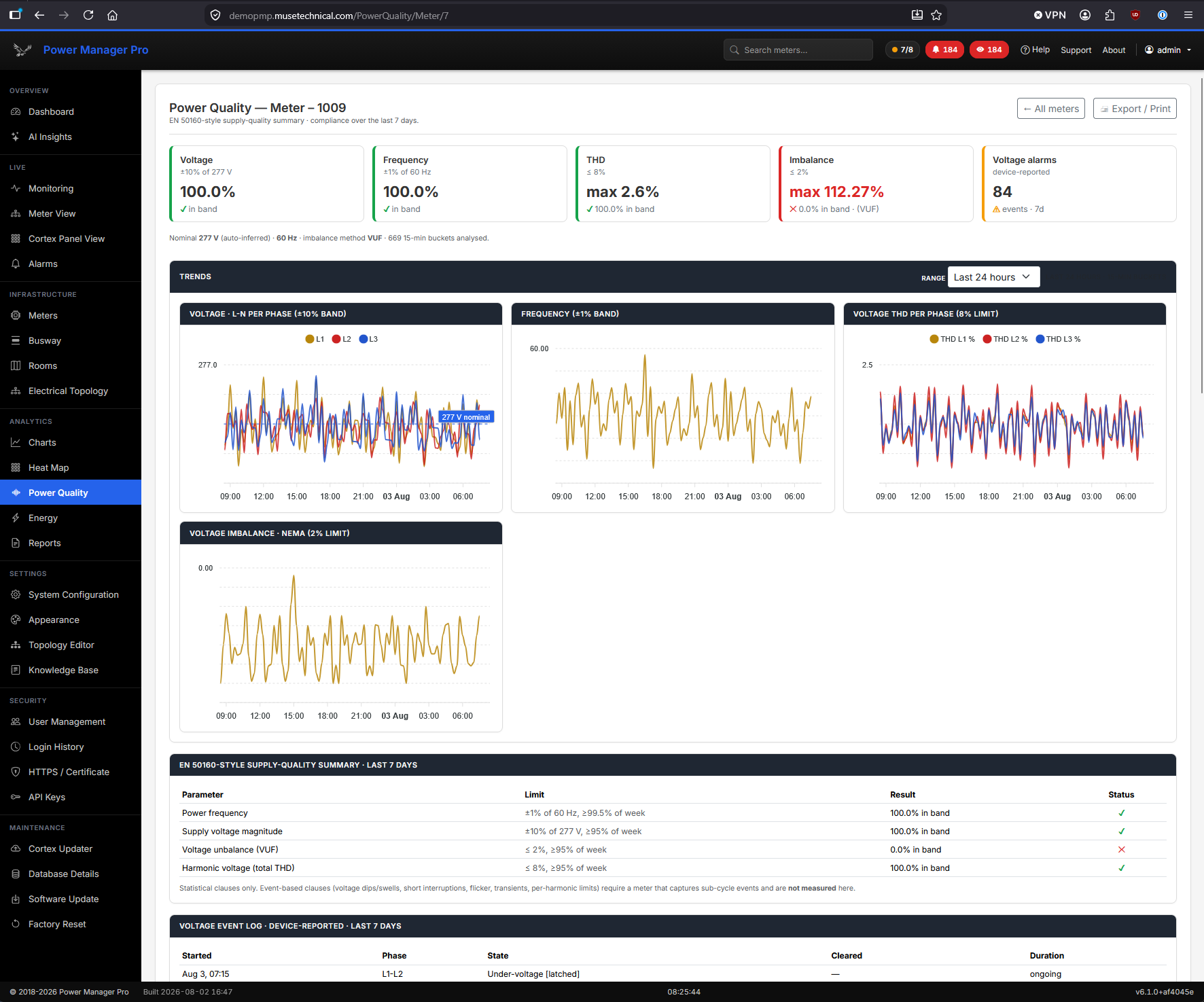
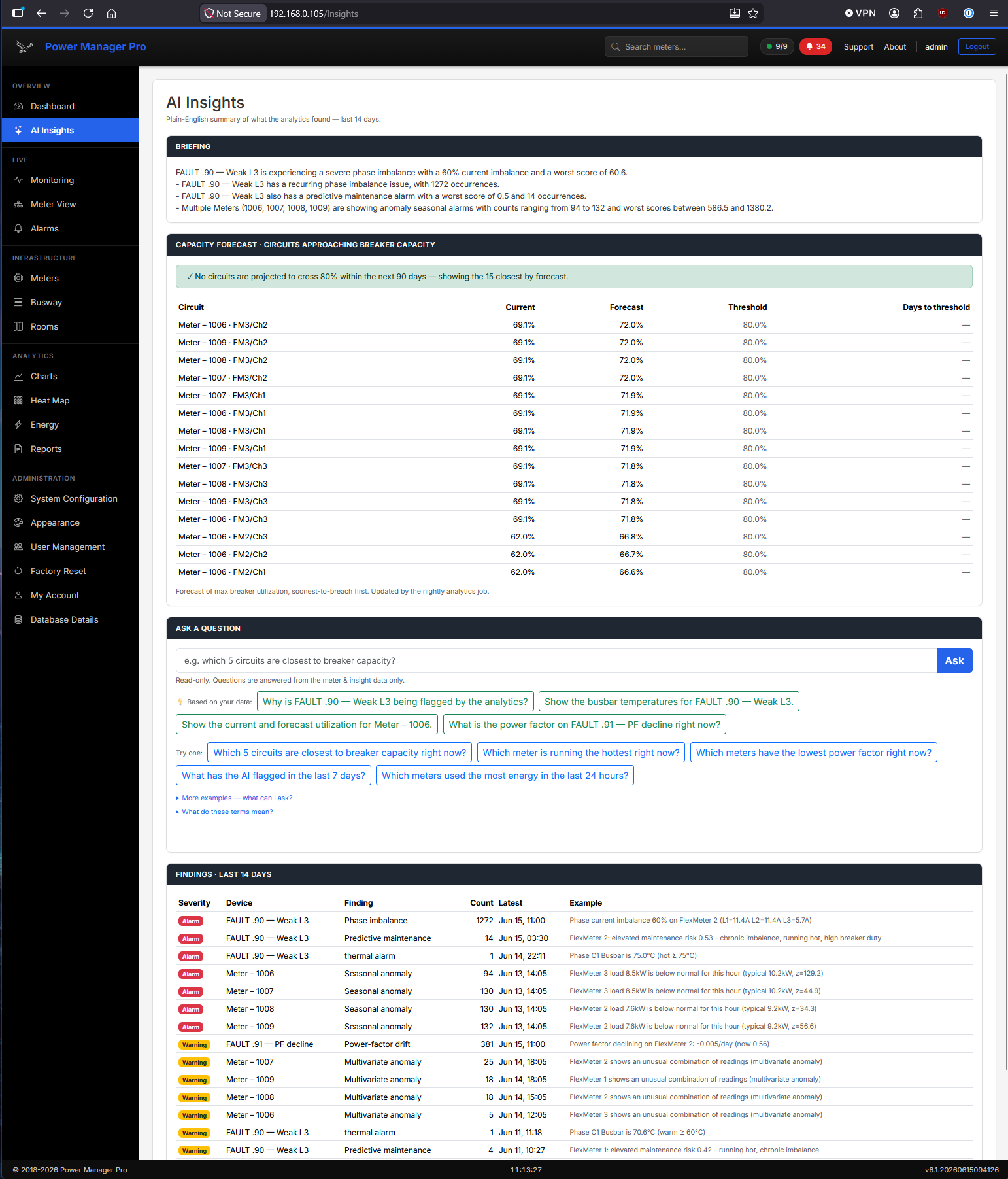
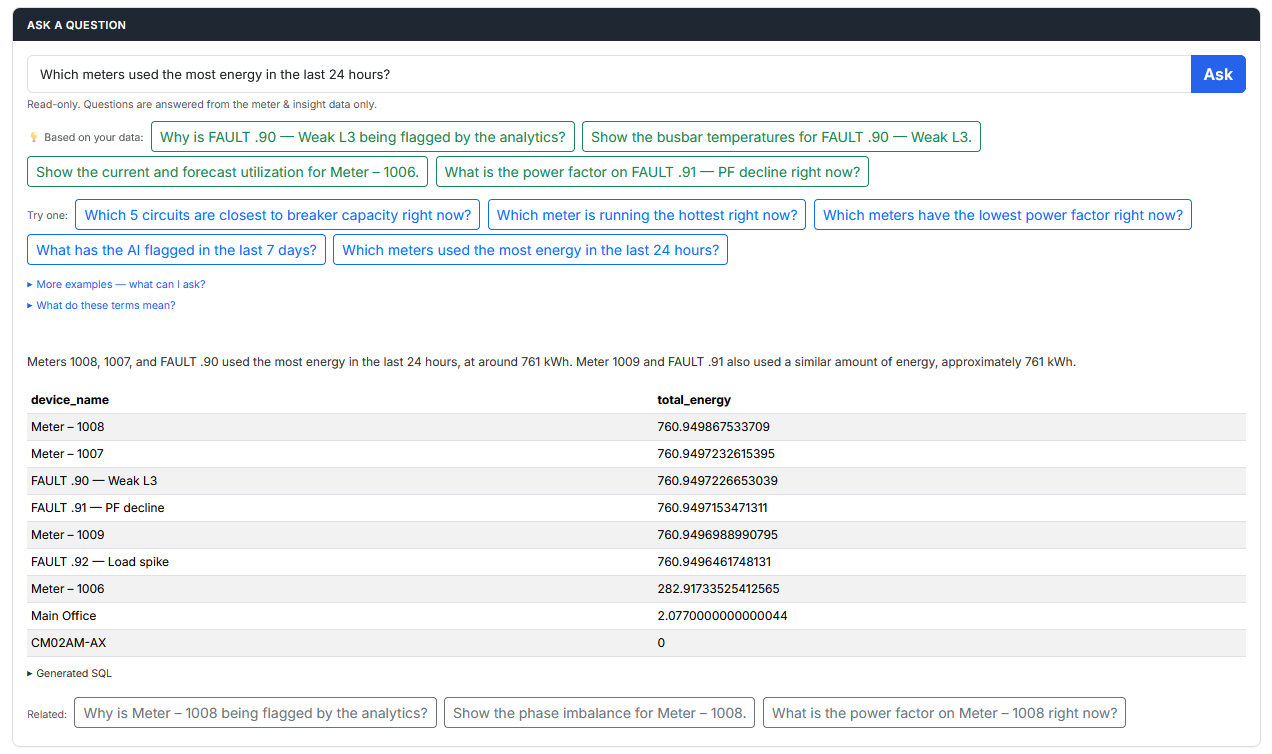
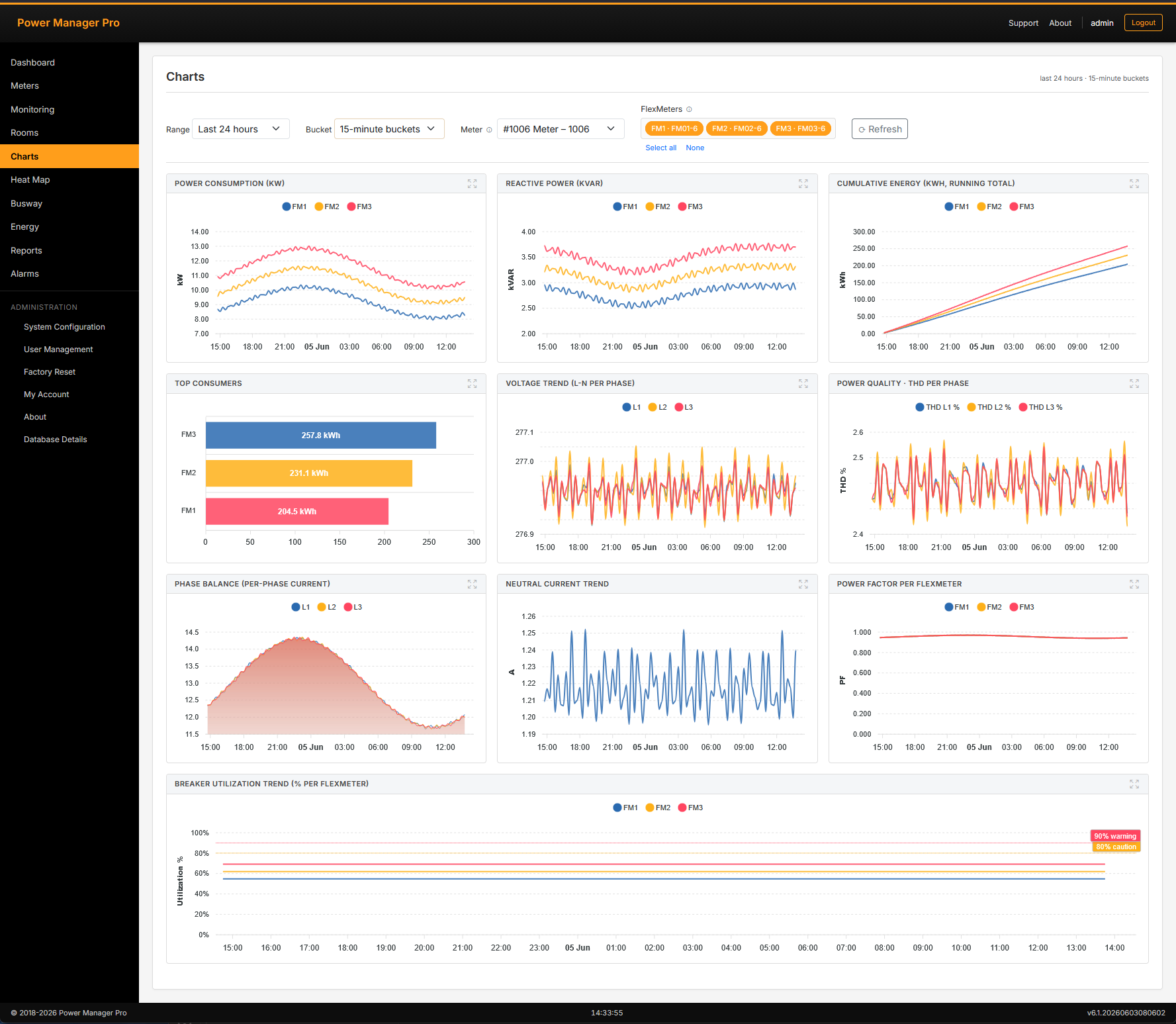
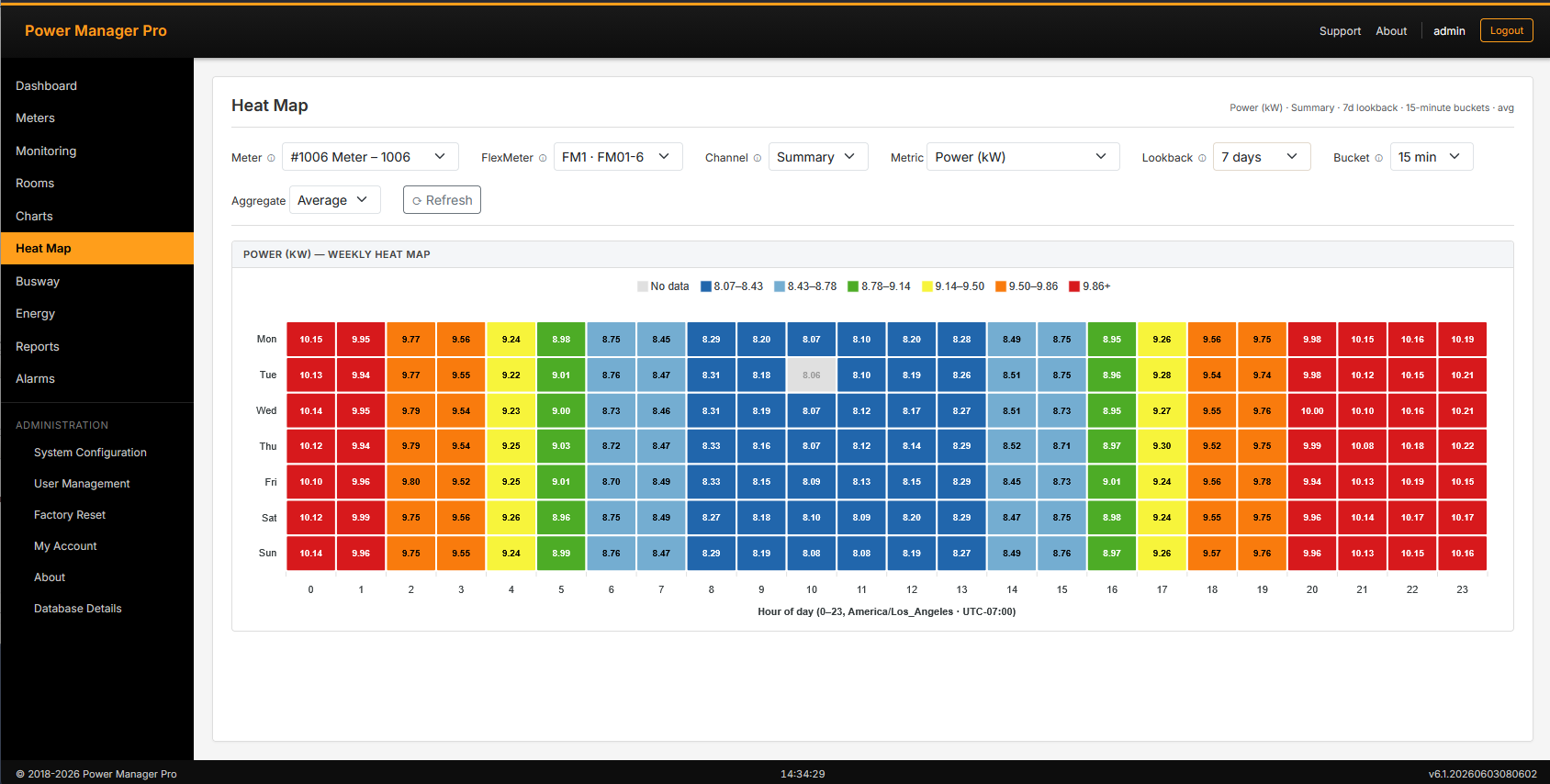
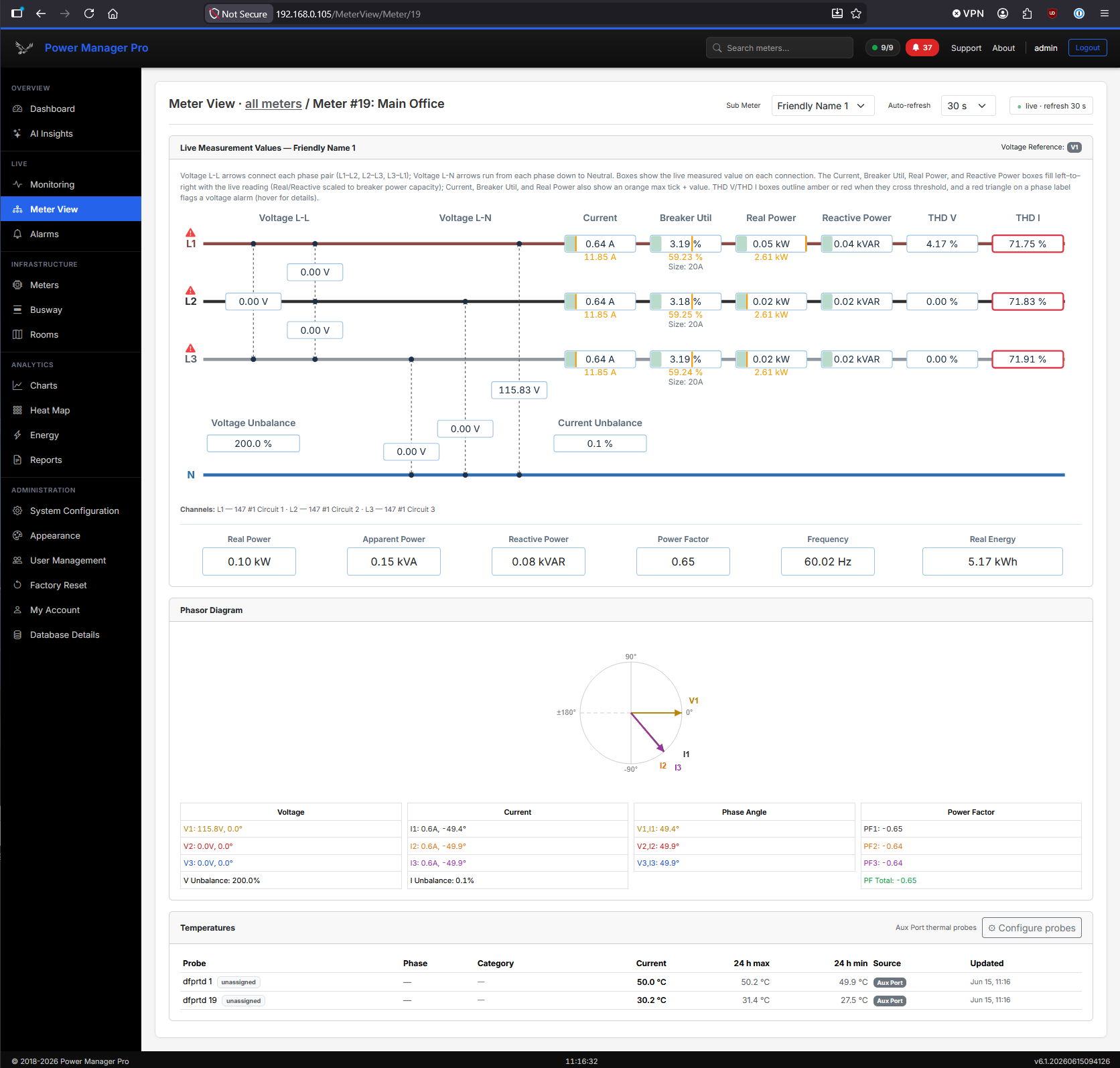
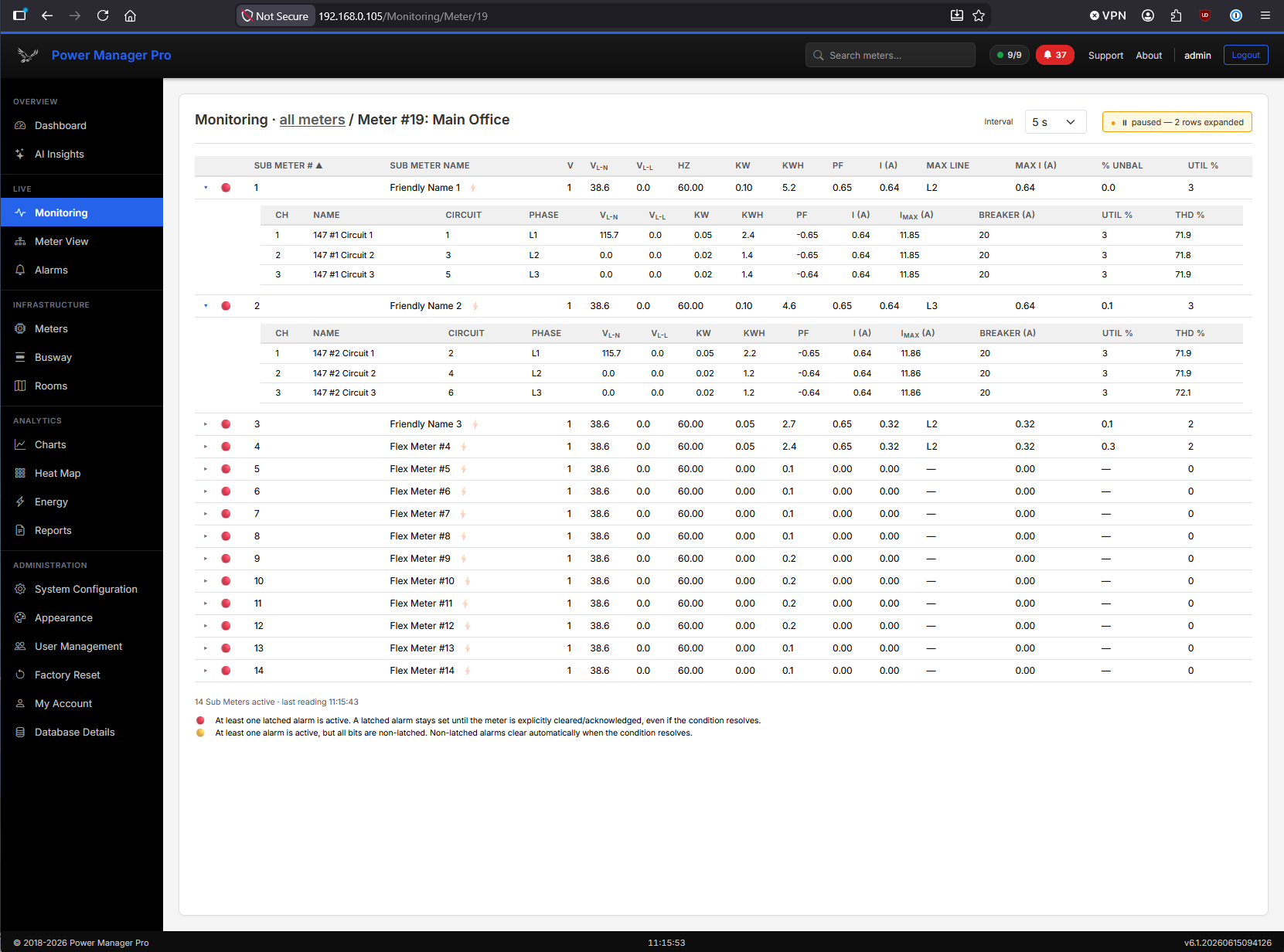
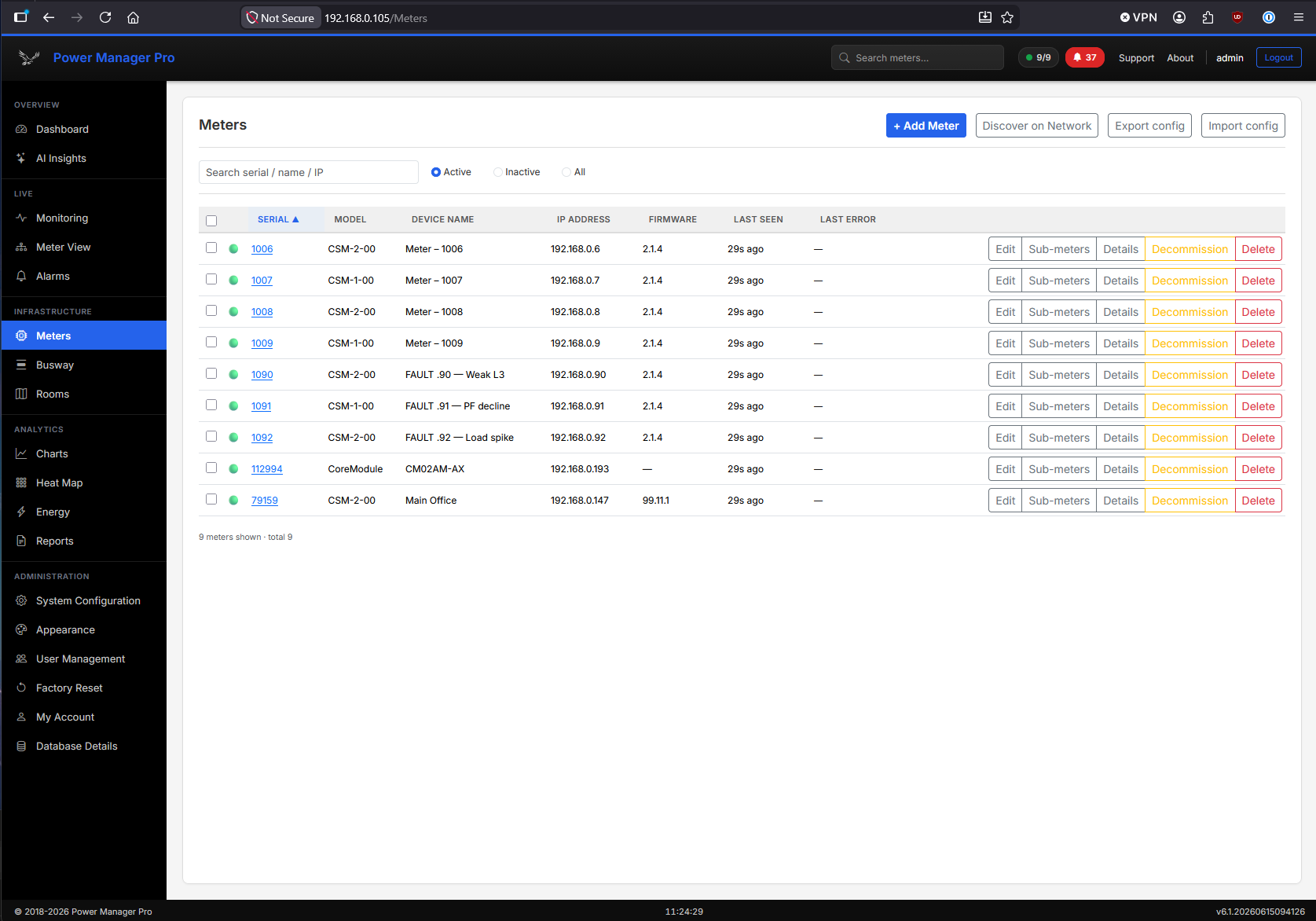
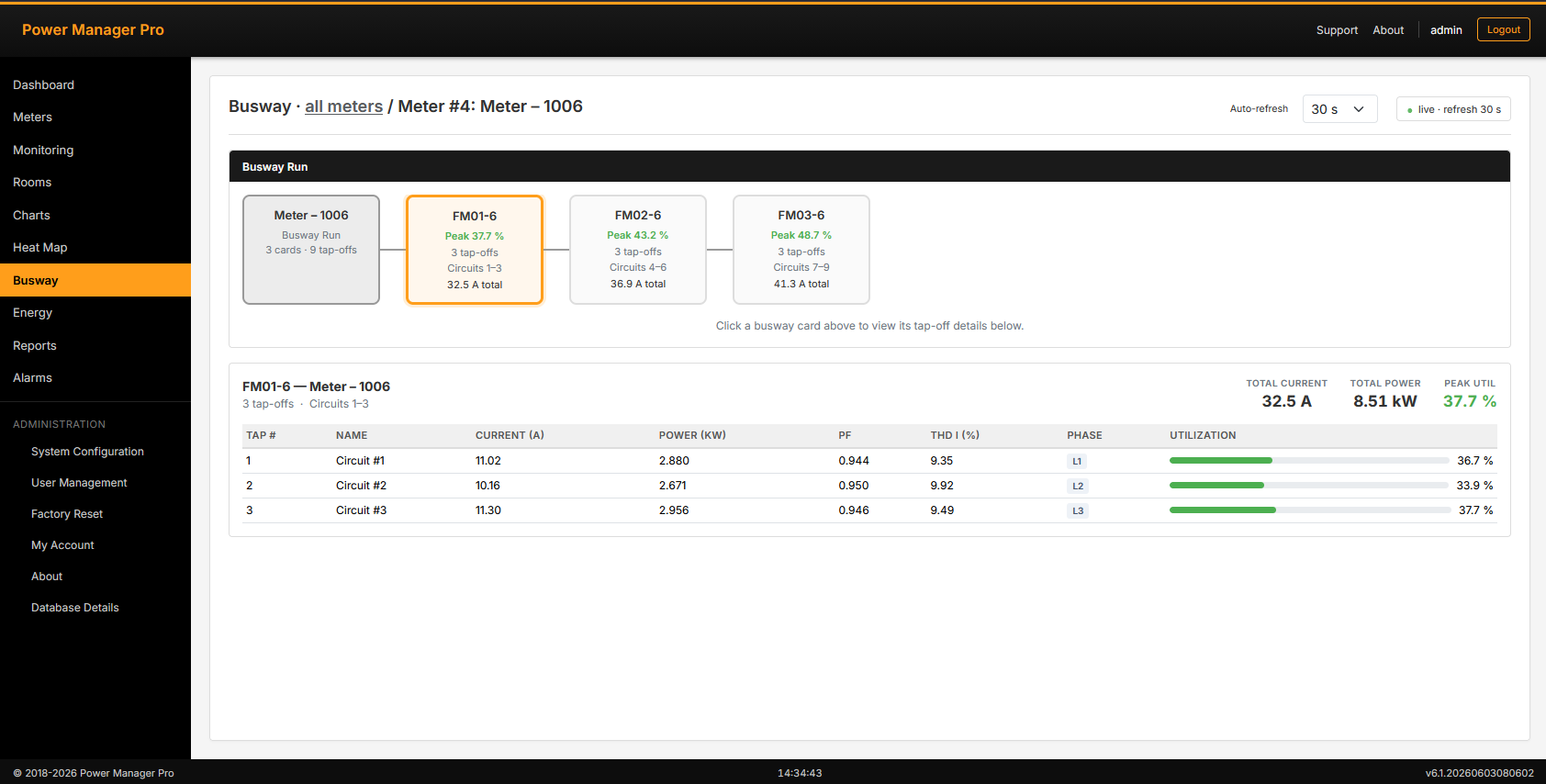
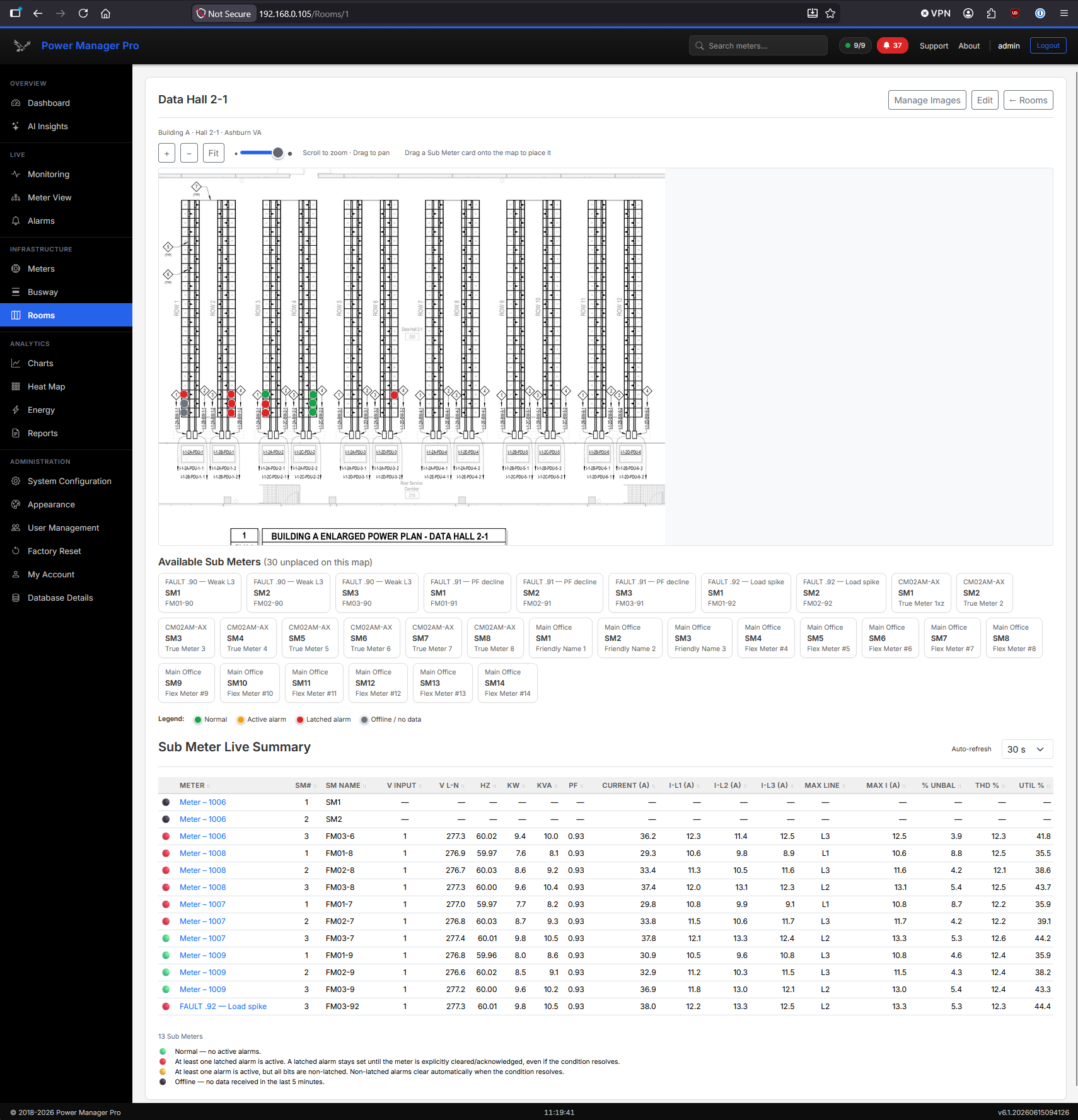
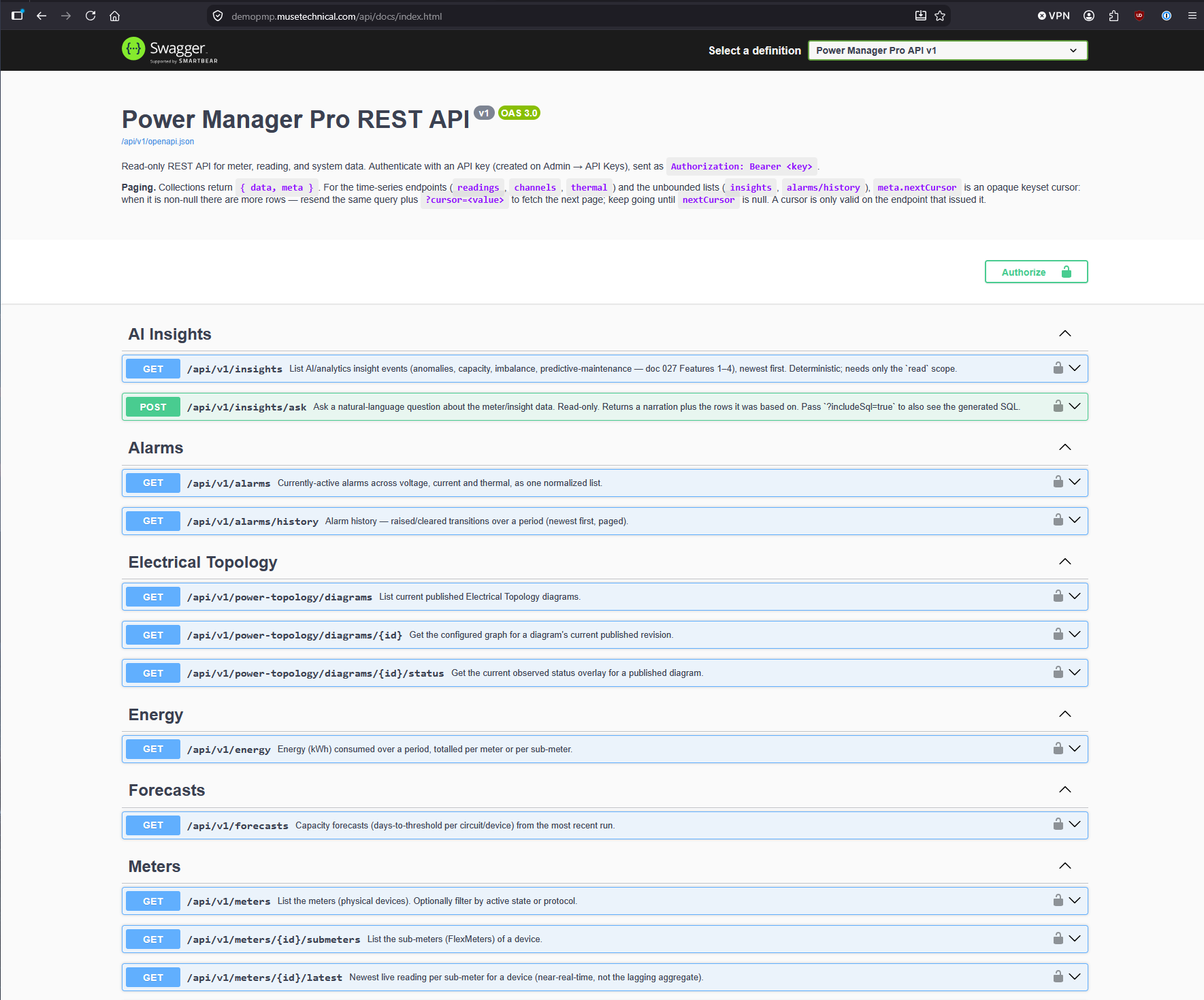
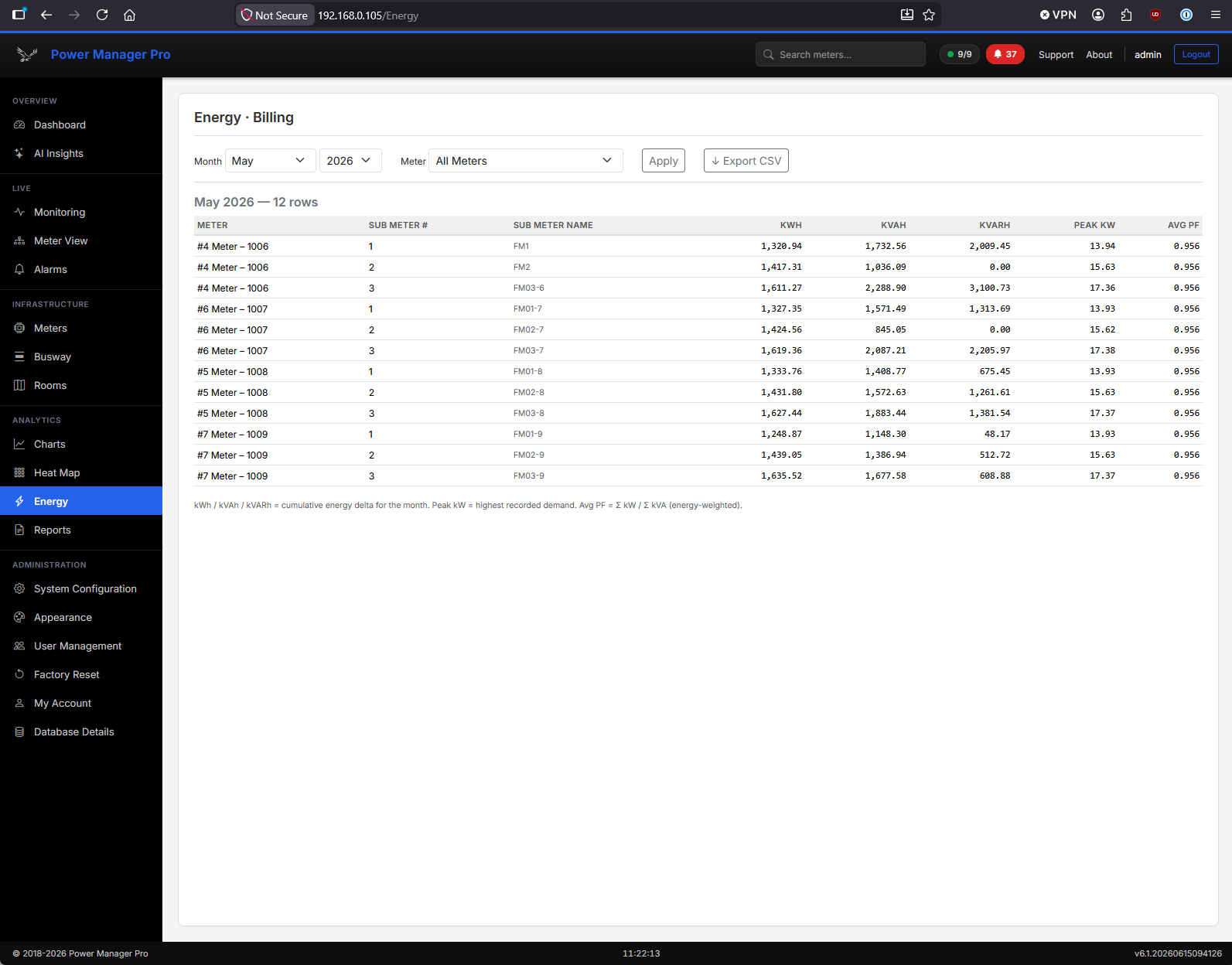
Live Monitoring & Meter Details
Power Manager Pro displays live power metrics for every connected device and circuit. Monitor voltage, current, power factor, harmonics, energy consumption, and power quality—all updating in real time. Drill into individual meters for detailed readings and historical trends.
Power Manager Pro — Lite Edition
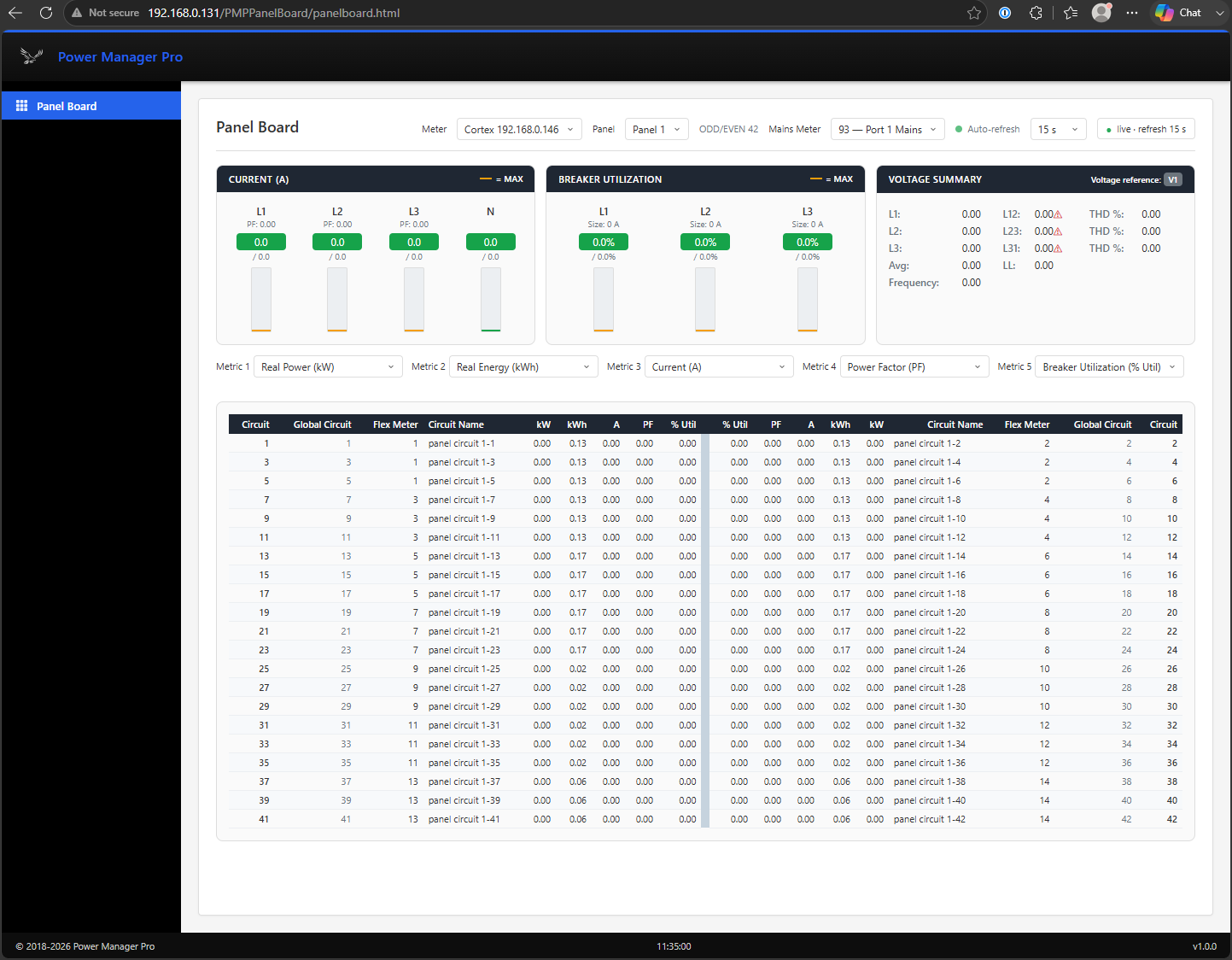
Power Manager Pro Lite Edition is a simplified version of the full Power Manager Pro product. A Lite deployment can be as focused as a single view or report—a panel board, a meter summary, or a targeted energy report—built around your specific needs and requirements.
Because Lite Edition is built on the same Power Manager Pro foundation, you get the same reliable data collection and presentation in a smaller, purpose-built package. Contact us to discuss any of your customization needs.
Getting Started
Contact us with your facility details and meter integration requirements.
Our team reviews your electrical infrastructure and scope of work.
PMP appliance is installed, connected to your network, and configured for your meters.
AI Insights begins learning your facility's normal operating patterns.
Start monitoring, receiving alerts, and optimizing power usage.
See how Power Manager Pro can give you real-time visibility, AI-driven insights, and peace of mind.
Frequently Asked Questions
Power Manager Pro is designed for data center operators, facility managers, electrical engineers, and BMS/DCIM teams who need real-time power visibility and predictive analytics.
AI Insights learns your facility's unique power patterns and automatically detects anomalies, predicts capacity limits, and identifies maintenance needs. Unlike fixed-threshold alerts, it understands context and catches multi-factor issues.
Most installations are completed within days to weeks, depending on facility size, meter count, and integration requirements. Our team provides end-to-end installation support.
Power Manager Pro can offer a wide library of drivers covering most power meters and monitoring devices. We support Modbus, Ethernet, and other protocols by consultation. Custom drivers can be added for specific equipment.
Yes. Power Manager Pro is designed to integrate with BMS/DCIM and building management systems. It can serve as a centralized data aggregator and edge server for your facility's power infrastructure.
Power Manager Pro is typically delivered on a ready-to-install Linux appliance, as a small form-factor x64 mini-PC. Windows deployments can be accomodated by special arrangement (contact us for details). It can be deployed as a physical appliance, virtual machine, or installed on your own servers. One-time purchase—no recurring licensing.
We provide comprehensive support including on-site installation assistance, training, documentation, and ongoing technical support. Contact us for more information.
Get in Touch
Contact our team to schedule a personalized demo or discuss your specific facility requirements.